connector
PostgreSQL
The open-source relational database — full SQL support.
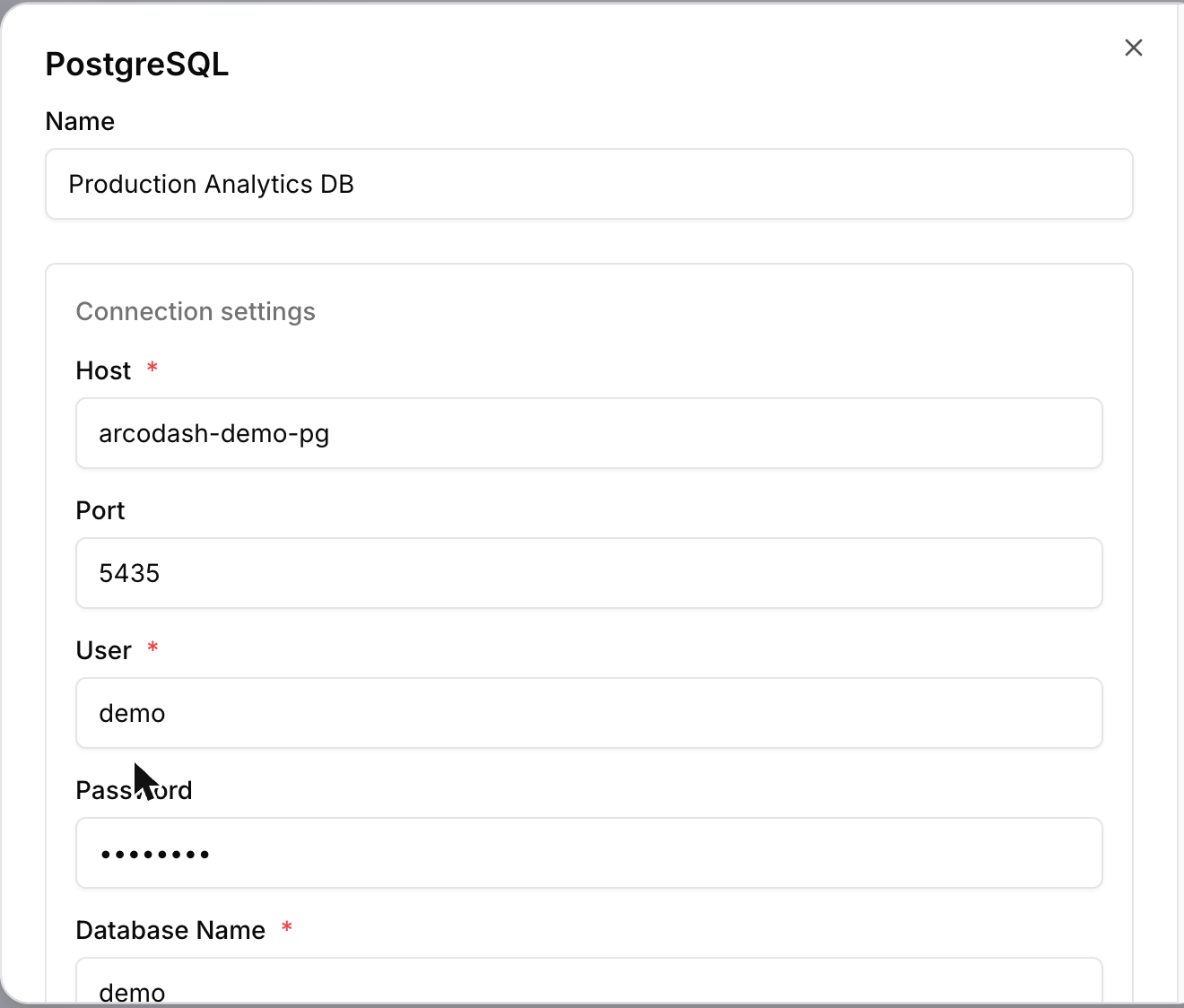
Connection fields
| Field | Required | Description |
|---|---|---|
host | Yes | Hostname or IP address of the Postgres server. |
port | No | Defaults to 5432. |
user | Yes | Username to authenticate with. |
password | No | Not enforced by the connector, but almost every real server requires one — leave it blank only against a server configured to allow passwordless auth. |
dbname | Yes | Database name to connect to. |
sslmode | No | One of "disable", "prefer" (default), or "require". |
Example configuration
{
  "host": "db.internal.example.com",
  "port": 5432,
  "user": "arcodash_reader",
  "password": "••••••••",
  "dbname": "analytics",
  "sslmode": "require"
}
Caveats
- arcodash needs network access to reach the host, so a cloud-hosted Postgres instance must accept connections from the internet. arcodash doesn't publish a fixed set of outbound addresses to allowlist — enable SSL/TLS rather than relying on IP filtering.
- sslmode "require" only enforces that the connection is encrypted, not that the server certificate is verified against a CA.